04 · Sell
A real ring on screen before they sit down.
Seven quick picks at the counter, then a photoreal render — a staff tool for showing a customer a spec, not a public design flow.
The steps, in order
- 01
Stone type
Pick the center stone.
- 02
Stone shape
Round, oval, cushion — whatever the customer is holding up.
- 03
Carat weight
Set the size.
- 04
Setting style
Solitaire, halo, three-stone and the rest.
- 05
Metal & karat
Platinum, gold, karat.
- 06
Band style
Plain, pavé, fancy-shape melee.
- 07
Finishing touches
Extras on top of everything above.
Once stone type, shape and metal are set, Generate becomes available — nothing renders until staff ask for it, and about 29 seconds later a photoreal preview comes back.
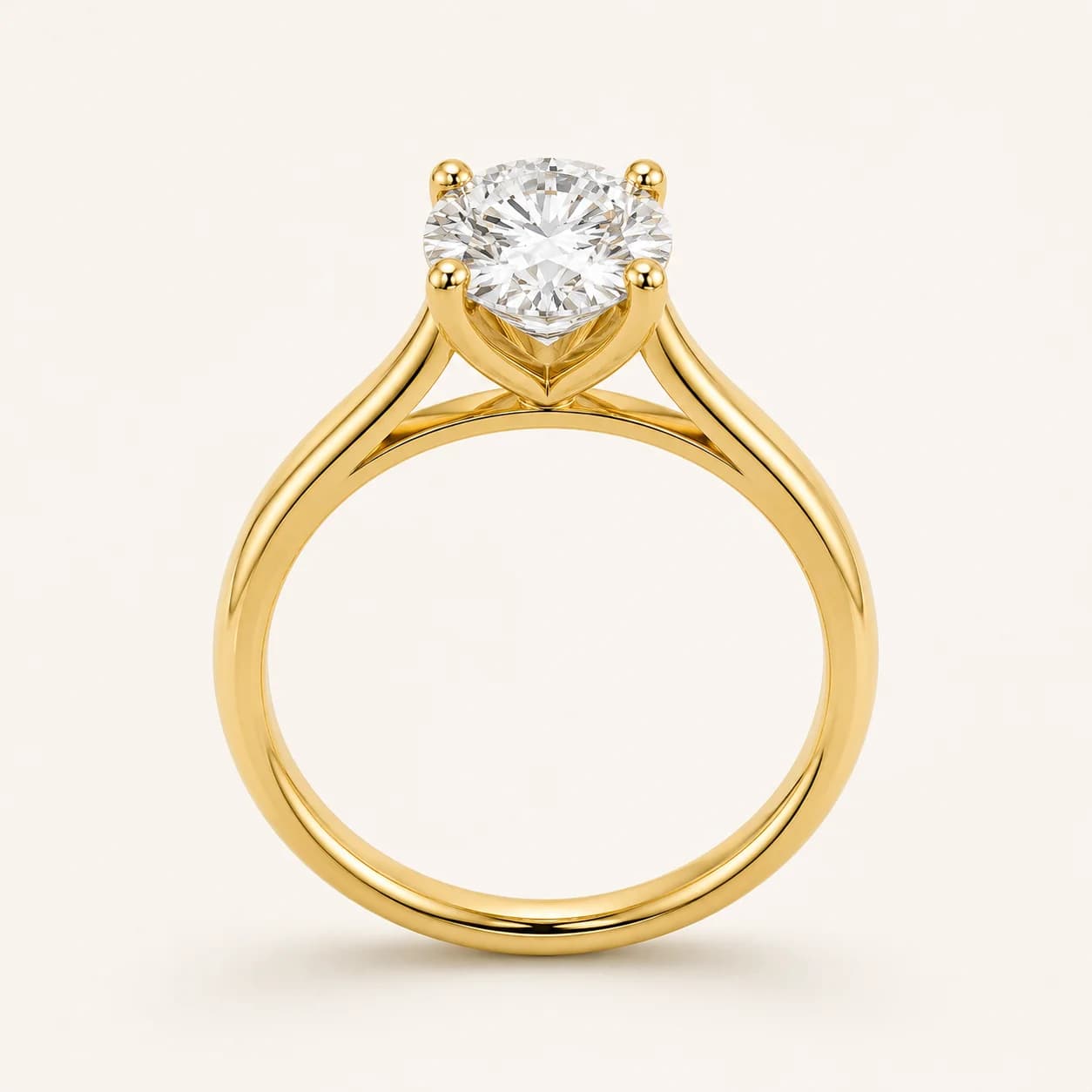 Generated preview
After the render
Save it, or hand it off.
Save to the gallery
Keep the design on file with no customer attached yet.
Save to a lead
Attach the design to a customer and email them a link to see it themselves.
Open in Studio
Keep refining the same design with the full design/imagery tool.